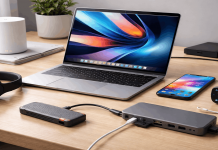
A cheap laptop stops being cheap when it freezes during a call, runs out of storage, or needs replacing after one school term.
Best products ranked for cost efficiency should be judged after purchase: writing papers, joining meetings, managing files, and carrying the computer between rooms.
This guide looks at affordable laptop families through daily usability, not sale banners or brand loyalty. It is for students, remote workers, and casual users who need a dependable machine without paying for power they will never use.
Begin With the Work You Actually Do
Before comparing processors, describe an ordinary weekday. Count browser tabs, video calls, school platforms, spreadsheets, editing tasks, and files stored locally.
That record reveals the daily workload better than a retailer label and helps you separate light browsing from work that needs more working headroom when several apps remain open.
Let the Most Demanding Regular Task Set the Baseline
Documents, streaming, email, and online classes need less than coding, large spreadsheets, photo work, or frequent meetings. Think about the task that makes your current device slow, then shop around that job.
Matching the hardest repeat task to the hardware avoids underbuying and overspending when assignments or deadlines become more demanding.
Decide Whether Portability or Screen Space Matters More
A 14-inch computer is easier to carry through campus, while a 15- or 16-inch screen can feel better for split windows and long reading sessions.
Check weight, charger size, desk space, and whether you use a monitor. Better screen comfort matters only when the laptop still suits your travel routine, bag, and shared desk space.
Spend First on Memory and SSD Storage
Budget listings often hide the configuration that causes trouble later. For many Windows users, 8GB of memory is a careful minimum, while 16GB leaves more room for tabs, calls, and updates.
An SSD affects startup and everyday basic responsiveness, so verify the exact memory and storage, not only the model name, included software, or sale price.
Check Whether the Memory Is Upgradeable
Some affordable laptops have memory fixed to the board; others allow an extra module later.
If 8GB is all you can afford, confirm the exact model’s upgrade options before buying.
This protects longer ownership and gives a tight budget more flexibility when software becomes heavier after several updates.
Choose Enough Storage for Your Real Files
A 256GB SSD can suit cloud-first documents and browsing, but it fills quickly with photos, downloads, offline video, and applications.
Check usable capacity after Windows and preinstalled software. Aim for comfortable file space before paying for an unused feature you may never need on a normal week.
Do Not Treat Battery Claims as a Promise
Battery estimates change with brightness, calls, signal strength, background programs, and the work you do.
Read long-term reviews of the exact configuration, then consider your longest ordinary day.
The sensible target is predictable battery behavior, not a claim based on a perfectly quiet workload with low brightness and few tabs.
Compare Laptop Families, Not Vague Brand Names
A familiar logo can sell strong and weak configurations at the same time.
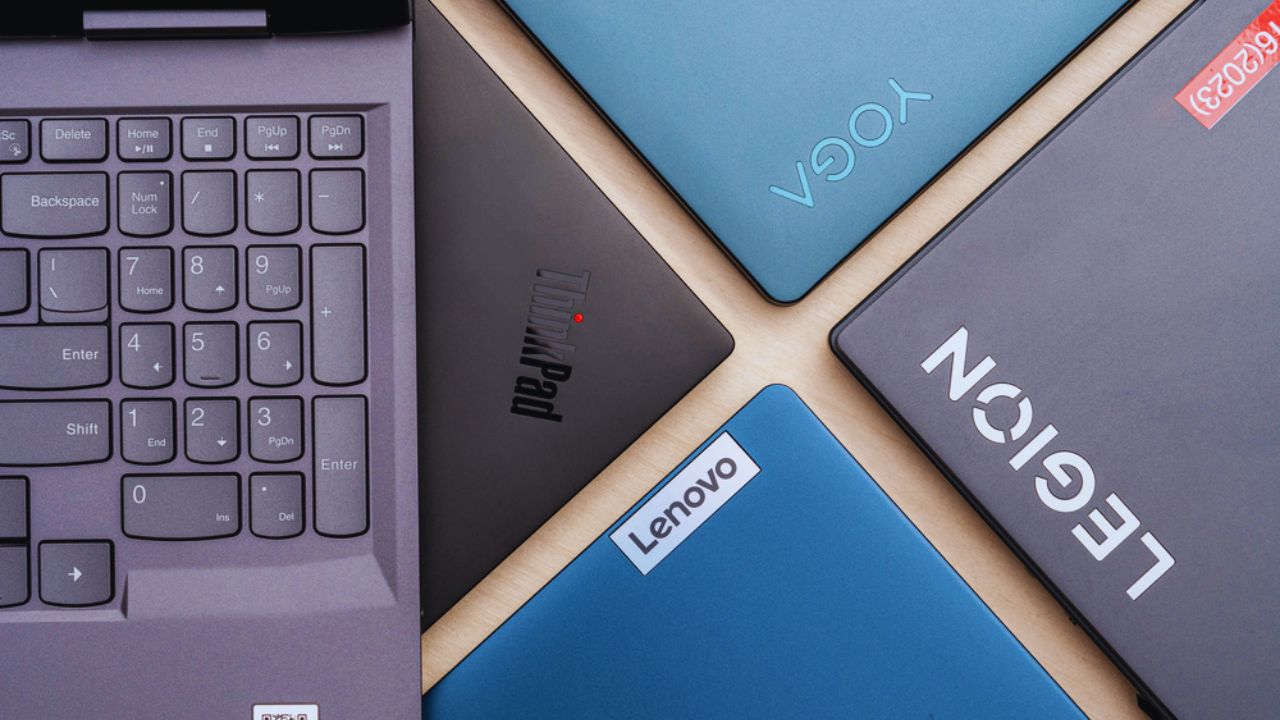
Compare exact models instead of assuming every Aspire, IdeaPad, Pavilion, Vivobook, or Inspiron has the same screen, ports, battery, or upgrade options.
Put model details ahead of brand reputation whenever prices appear unusually low.
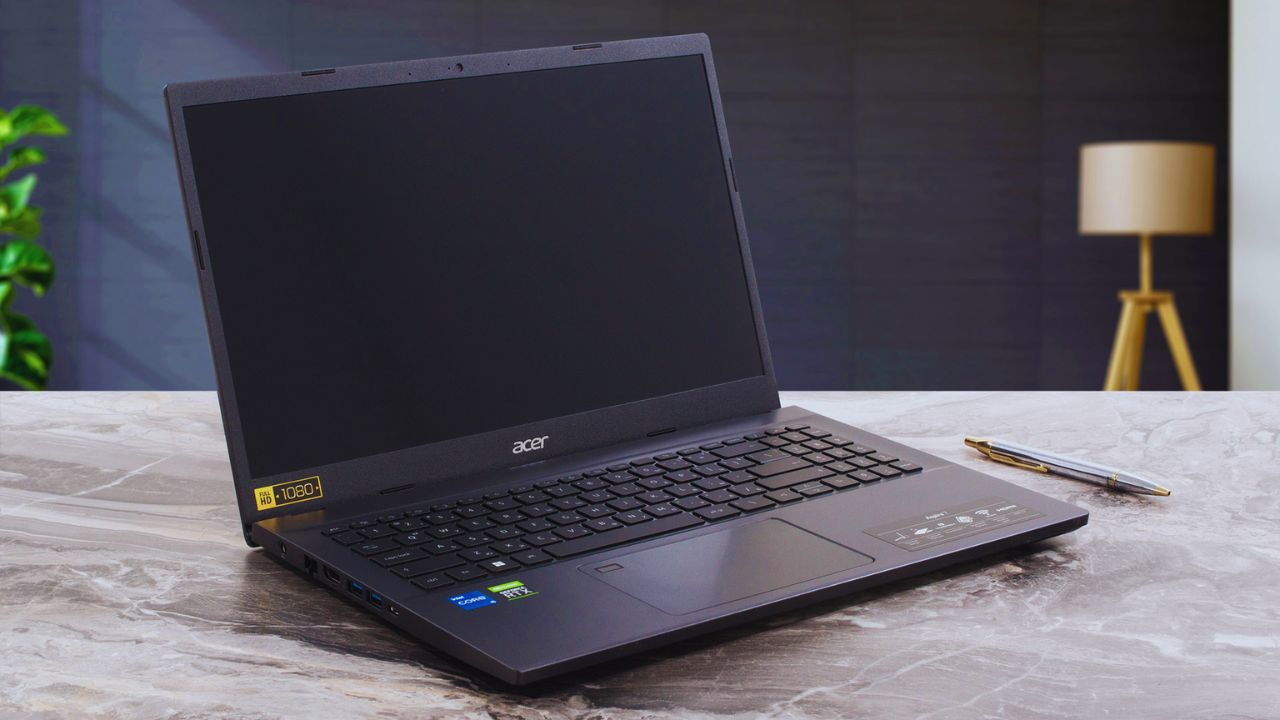
Acer Aspire Can Suit Straightforward Study and Work
Acer Aspire laptops are worth checking for documents, browsing, meetings, and light everyday tasks.
The range includes different screen sizes, processors, and features, so one review cannot cover every version.
Look for a full HD display, enough memory, and an SSD. The right configuration matters more than the Aspire name on the listing.
ASUS Vivobook Models Need a Configuration Check
An ASUS Vivobook 15 shows why product codes matter. One family can appear with different processors, panels, memory, storage, and keyboard layouts across shops.
Compare the exact code, then inspect ports, webcam, charger, and upgrade access. This avoids a specification surprise and improves everyday fit for your desk.
Two-in-One Designs Are Best for Specific Habits
A convertible laptop may suit handwritten notes, reading, presentations, or drawing with a compatible pen.
It adds cost, weight, and another part to protect, though, so it is not automatically practical.
Choose one when tablet-style use solves a regular problem, not because it sounds future-proof in an online promotion.
Check the Parts You Touch Every Day
A laptop can have good internal parts and still feel unpleasant because its keyboard flexes, trackpad fails, or webcam makes calls awkward.
Look at the hinge, keys, screen brightness, speakers, and palm-rest space before chasing minor speed differences.
These details shape everyday comfort and affect long sessions more than a benchmark score.
Also Read: Best Products Ranked by Real Use and Practical Value
Ports and Charging Can Save You Small Annoyances
Check USB ports, HDMI, headphone jack, card reader, and USB-C charging against what you already use. An adapter is manageable occasionally but irritating in every meeting or class.
Also check whether the charger blocks nearby outlets. A sensible layout reduces desk clutter and keeps existing accessories useful without a bag of adapters.
Look at Repair and Support Before There Is a Problem
Search for manuals, warranty terms, battery availability, and local service before paying. Check whether nearby repair shops can handle a screen, keyboard, charging port, or storage replacement.
A small fault should not force a full replacement. Early research makes repair access part of the long-term cost before a minor accident happens.
Use a Short Check Before Paying
Once you have a shortlist, compare only the details that affect your week. Keep the decision tied to real use and your available budget, rather than one temporary promotion:
- Confirm the processor, memory, SSD, screen, ports, and charger.
- Check keyboard comfort, battery reviews, warranty, and return terms.
- Verify upgrade options, repair access, and the exact model number.
Buy for the Work You Will Still Do Later
A cost-efficient laptop is not the cheapest result on a page. It handles routine work without constant waiting, has space for your files, and leaves room for reasonable change.
Start with weekly tasks, then verify the exact configuration before buying. Choosing for lasting daily use rather than a short discount can make a modest budget go much further over several years while cutting avoidable replacement costs later in ownership.