Spending two hours comparing spec sheets for a laptop or phone feels productive. It rarely is. The numbers that matter on paper almost never match how a device behaves on your desk at 3 PM during a laggy video call.
If you work remotely or in a hybrid environment, practical performance determines whether your tech setup helps or fights you. And the gap between a fast benchmark score and a smooth Tuesday afternoon is wider than any spec sheet admits.
This ranking skips raw horsepower. It focuses on tech products that reduce daily friction: quick wake times, stable Wi-Fi, reliable battery life, and devices that don’t need babysitting.
I ranked these picks by one question: does this product make a normal workday easier without creating new problems?
How Practical Performance Differs from Specs
Every tech review in 2026 still leads with processor benchmarks and camera megapixels. Those numbers tell you how fast a device can sprint. They tell you nothing about how it handles a six-hour marathon of browser tabs, Zoom calls, and file transfers.
Practical performance measures something different: how predictable and low-maintenance a device stays under normal daily pressure.
Battery behavior over a full workday, heat management during long sessions, software stability across months of updates. These are the things that separate a product you trust from one you tolerate.
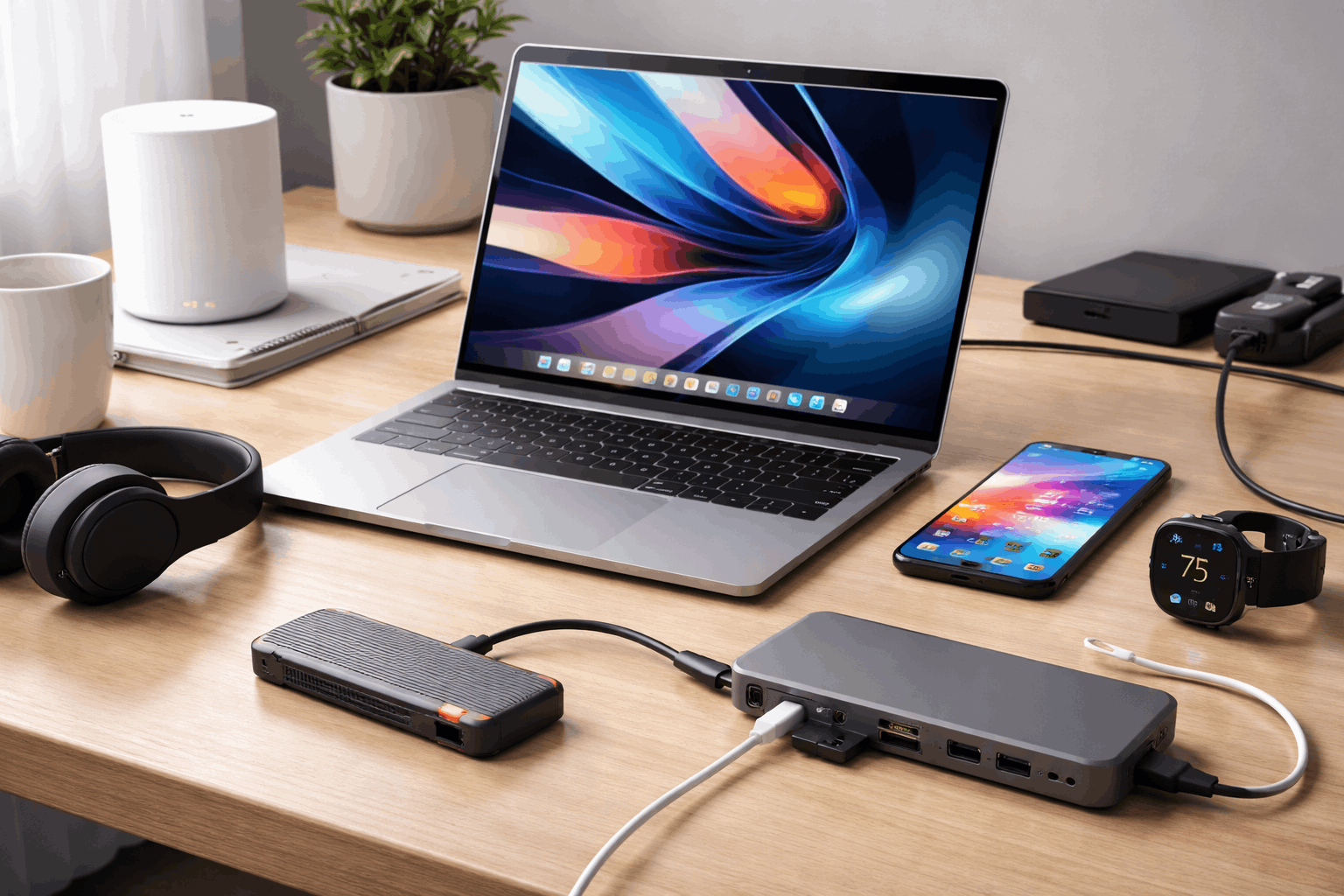
The “Babysitting Cost” of Bad Tech
One thing I never see in competitor reviews is this concept: every device has a babysitting cost. That’s the mental energy you spend managing the device instead of doing your work.
A laptop that throttles during video calls forces you to close tabs mid-meeting. A phone that drops Wi-Fi makes you toggle airplane mode twice a day.
A router with dead zones sends you walking to the hallway for signal. Each of those micro-interruptions burns focus. I think the babysitting cost of a poorly chosen $1,200 laptop exceeds the price difference between it and a $900 midrange machine that just works.
The picks below are ranked by how little babysitting they demand.
Why Battery Behavior Beats Battery Size
A 72-watt-hour battery means nothing if the software drains it in four hours. Battery behavior is about how the device manages power under your specific workload, not the raw cell capacity printed on the spec sheet.
Two laptops with identical battery sizes can deliver wildly different runtimes depending on how aggressively the OS manages background processes. A laptop that gives you six consistent hours beats one that gives you eight hours on paper but drops to four when you open a second Chrome window.
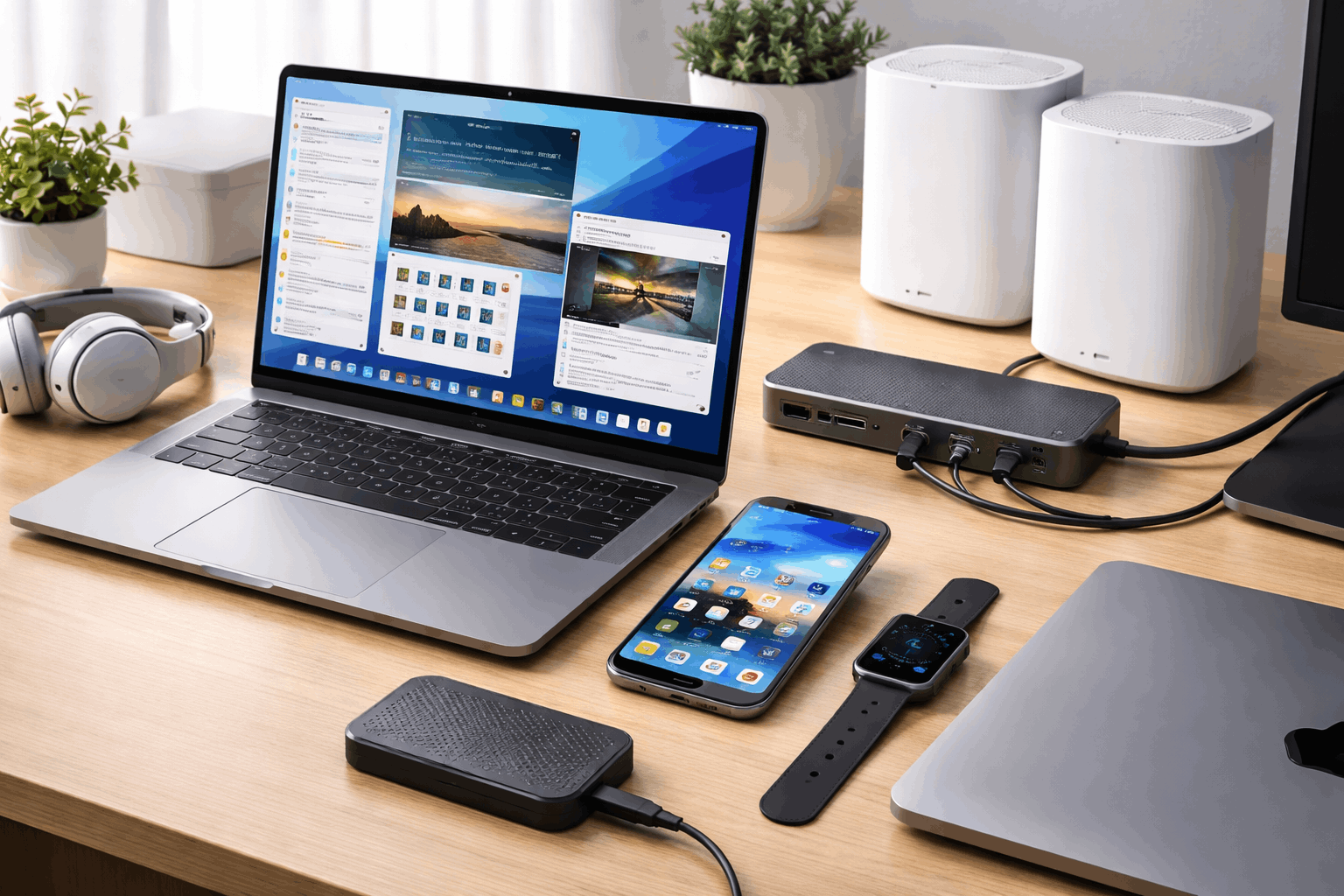
Best Laptops for Everyday Practical Performance
Laptops sit at the center of any remote work setup. The three picks below are ranked by how well they handle real daily work: browser-heavy sessions, video calls, document editing, and light creative tasks without charger anxiety.
Rank 1: Ultrabook with Efficient CPU and 16GB+ RAM
A thin-and-light ultrabook running an efficient processor with at least 16GB of memory earns the top spot. This type of machine handles browser-heavy work, meetings, note-taking, and casual photo edits while staying cool and quiet.
The reason it ranks first isn’t speed. It’s consistency. An ultrabook like this wakes up fast, holds steady on battery for a full work session, and doesn’t turn your lap into a heating pad during a one-hour call.
If you need one laptop that does everything normal well, this is the pick with the fewest compromises.
Rank 2: Midrange 14 to 15 Inch Laptop with Upgrade Options
A solid midrange laptop ranks second because it pairs strong cooling, a comfortable keyboard, and room to upgrade RAM or storage later. The practical value here is longevity: you can expand storage as your files grow instead of replacing the whole machine.
This pick wins on performance per dollar. It will be slightly heavier than an ultrabook, but you get more runway before the machine feels outdated. Good fit for someone who doesn’t want to spend flagship prices and plans to keep their laptop for three or more years.
Rank 3: Performance Laptop for Creators Who Also Do Daily Tasks
A performance laptop ranks third because it delivers stronger multitasking power and faster creative workflows. But it often trades portability and battery life for that power.
Buy this only if you regularly edit photos or video, run resource-heavy software, or keep many large apps open at once. If it mostly sits on a desk doing email and web browsing, the extra capability goes unused, and you’ve paid for weight and heat you didn’t need.
| Feature | Ultrabook (Rank 1) | Midrange (Rank 2) | Performance (Rank 3) |
|---|---|---|---|
| Battery Life | Longest on light workloads | Moderate | Shortest |
| Weight | Lightest | Slightly heavier | Heaviest |
| Upgrade Options | Limited | RAM and storage expandable | Varies |
| Best For | All-day remote work | Budget-conscious long-term use | Regular creative workloads |
The ultrabook wins for the broadest range of users, but the midrange laptop is the smarter financial play if you plan to keep your machine beyond two years.
Also Read: Side-by-Side Comparison of Popular Products
Best Phones and Wearables for Daily Reliability
Mobile performance comes down to consistency across a full day of mixed use: calls, camera, navigation, messaging, and streaming. A phone that scores well on a benchmark app but stutters during a Google Maps search in the afternoon is failing at practical performance.
Rank 1: Flagship Phone with Long Software Support
A flagship phone earns the top mobile rank when it combines reliable cameras, smooth performance under load, and years of consistent software updates.
The software support part matters more than raw speed, because a phone that gets 5+ years of updates stays fast and secure long after a poorly supported phone starts lagging.
I would pick a flagship with a guaranteed 5-year update window over a slightly faster phone with only 3 years of support. The math is simple: you save the cost of replacing a phone two years early, and you avoid the hassle of migrating everything to a new device.
Rank 2: Upper-Midrange Phone for Best Value
An upper-midrange phone delivers 90% of flagship speed and battery performance without the highest price tag.
The cameras are good enough for everyday shots, social media, and video calls. Premium extras like top-tier zoom hardware are missing, but how often does the average remote worker need 10x optical zoom?
This is the strongest performance-per-dollar pick for daily use, messaging, streaming, and casual photography.
Rank 3: Smartwatch for Health Tracking and Notification Filtering
A smartwatch ranks third because it reduces phone pickups, tracks health data, and makes reminders easier to act on.
That said, a smartwatch only improves practical performance if you use health tracking and notifications daily. Occasional use rarely justifies the charging habit it creates.
Pick a smartwatch that handles the specific sensors you care about. Heart rate accuracy and sleep tracking reliability vary widely between brands, even at the same price point. Check independent sensor accuracy reviews before buying based on marketing claims.
Best Home Office and Connectivity Upgrades
Home office performance jumps when your network is stable, your storage is fast, and your desk setup removes bottlenecks. These are the “invisible” products. They don’t feel exciting to buy, but they fix problems you deal with every single day.
Rank 1: Mesh Wi-Fi System for Consistent Coverage
A mesh Wi-Fi system ranks first because stable coverage improves every connected device on your network. Video calls stop freezing. File uploads finish on time. Streaming doesn’t buffer mid-sentence during a presentation.
The upgrade is especially noticeable if you have multiple rooms, thick walls, or frequent connection drops. A mesh system can fix all of that without changing your internet plan or calling your ISP.
I think spending $200 to $350 on a mesh Wi-Fi system delivers more daily quality-of-life improvement than spending the same amount upgrading a phone by one generation.
Rank 2: Portable SSD for Fast Backups
A portable SSD ranks second because it makes backups painless and speeds up moving large folders between devices. The practical gain is risk reduction: relying on a single device for all your files is a bet that device will never fail. That bet always loses eventually.
Good habits to pair with a portable SSD:
- Set a weekly backup reminder for your working documents folder
- Keep one copy of tax records and important PDFs on the SSD and one in cloud storage
- Label the SSD clearly if you share a workspace so it doesn’t walk away
- Test a file restore once to make sure the backup process works before you need it
Rank 3: USB-C Hub or Dock Matched to Daily Workflow
A USB-C hub or dock ranks third because it fixes the common modern laptop problem: not enough ports for real life. External displays, wired internet, storage drives, and peripherals all need a connection point.
Pick a dock based on what you connect to each day. A dock with four USB-A ports and dual HDMI is wasted money if you only ever plug in one monitor and a keyboard. Common mistakes to avoid when buying a USB-C hub:
- Buying a hub that doesn’t support your laptop’s power delivery wattage
- Choosing a hub with HDMI 1.4 when your monitor needs HDMI 2.0 for full resolution
- Forgetting to check if the hub supports data transfer speeds above USB 2.0
- Getting a dock with too many ports you’ll never use instead of fewer ports that match your setup
The right hub should match your actual daily connections, not a wish list of peripherals you might buy someday.
The Contrarian Take: Stop Buying Flagship Phones First
The standard advice across every tech recommendation site is to start with the best phone you can afford. I disagree with that approach, and the reason comes straight from the ranking data above.
An upper-midrange phone at $500 to $600 delivers roughly 90% of the daily performance of a flagship at $1,000 to $1,200. The $400 to $600 difference, if redirected to a mesh Wi-Fi system and a portable SSD, improves every device on your network and protects all your files.
A faster phone improves one device in your pocket. Stable Wi-Fi and reliable backups improve your entire setup.
The next time someone tells you to buy the best phone first, ask them whether their home Wi-Fi drops during video calls. If it does, no phone upgrade will fix that.
Questions People Ask About Tech Products for Practical Performance
Q: Does a more expensive laptop always perform better for everyday tasks? Not necessarily. A $700 midrange laptop with 16GB RAM and solid cooling can feel smoother for daily work than a $1,500 ultrabook with poor thermal design. Price correlates with build quality, but thermal management and software stability determine how a laptop feels over a full workday.
Q: How much RAM do I need for practical everyday performance in 2026? 16GB is the baseline. Anything below 8GB will stutter on modern browsers with more than a dozen tabs open. 32GB is overkill for daily office work and web browsing, but useful if you edit video or run virtual machines regularly.
Q: Is a mesh Wi-Fi system worth it for a small apartment? Sometimes. If your apartment has thick concrete walls or your router sits far from your workspace, even a small mesh setup can eliminate dead zones. But if you get strong signal everywhere already, save the money and put it toward a portable SSD instead.
Q: Should I buy a smartwatch for productivity or just fitness? Both, if you use it daily. Notification filtering alone can cut phone pickups significantly during focused work sessions. But if you only wear a smartwatch for weekend runs, the productivity benefits disappear and the daily charging becomes an annoyance.
Q: What’s the single best first upgrade for a home office? A mesh Wi-Fi system, almost every time. Stable internet affects every device and every task. No other single product at the $200 to $350 range touches as many daily pain points simultaneously.
Conclusion
The best tech buying strategy in 2026 starts with fixing your biggest daily annoyance, not chasing specs. A balanced midrange laptop paired with stable Wi-Fi and a portable SSD covers more ground than any single flagship device.
The products that disappear into your routine and never cause problems are the ones doing their job. Spend where friction lives, and let the spec sheets collect dust.