A product does not deserve attention because its feature list looks impressive. Best products ranked without hype means judging whether a device reduces a real annoyance after weeks of use.
This guide looks at Logitech, Anker, Razer, and JBL through ordinary daily use, rather than treating releases as upgrades. It helps build a setup useful even after the excitement fades.
Rank Products by the Friction They Remove
A practical ranking starts with problems that keep returning: a mouse that loses connection during a call, a charger that cannot handle your laptop, a keyboard that hurts, or an unused speaker.
Those moments show which daily frustrations deserve attention and which features are extra noise. Start with the task that wastes time, then compare products for that job.
Use Daily Tasks as the First Filter
Think through a normal day before reading a roundup. People moving between devices may care about switching, while commuters may need compact power and reliable cables.
A gamer who works from home may value comfort and programmable controls more than decorative lights. This makes real routines more important than a headline specification that never changes your work.
Separate Good Specifications From Useful Features
A higher sensor rating, faster charging number, larger battery, or louder speaker helps only if it changes your use. Check whether a feature improves comfort, setup time, compatibility, battery stress, or accessory costs.
A multi-device keyboard matters when you switch screens, but adds little to a one-computer desk. The right comparison highlights practical benefits and names remaining limits.
Logitech Fits Many Shared Workspaces
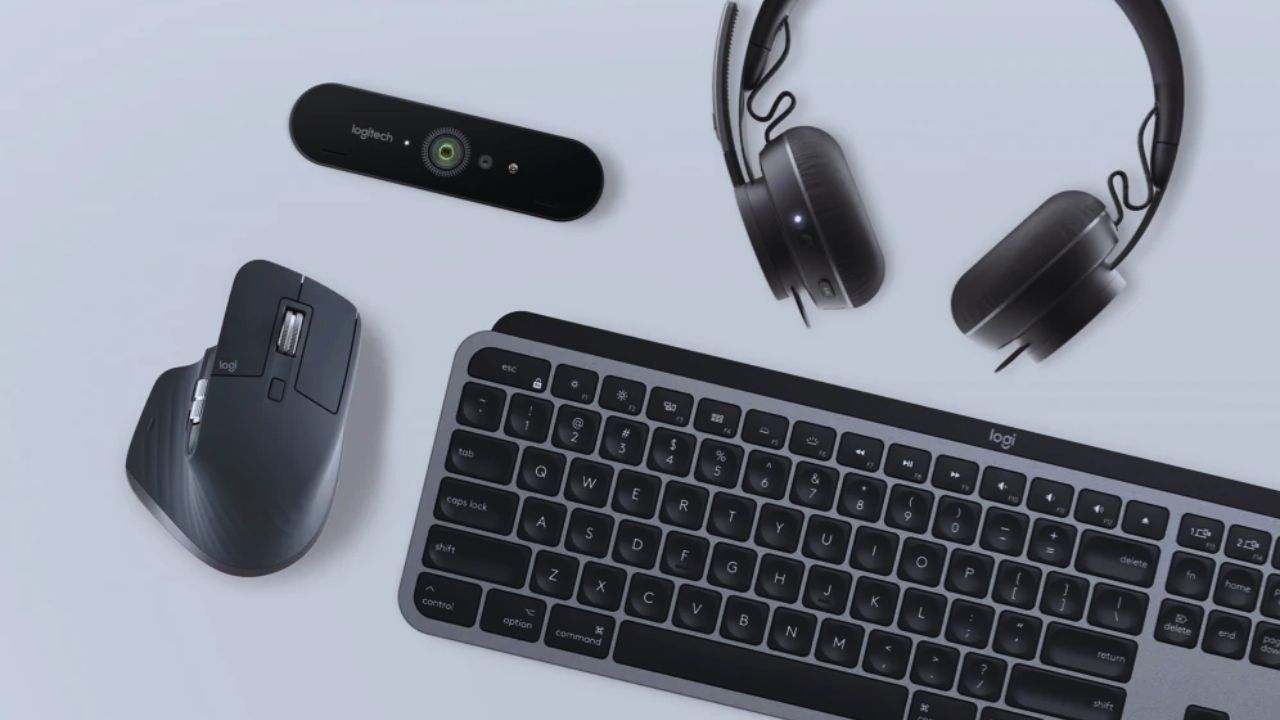
Logitech is worth considering when a desk setup needs familiar controls at home or work. Its mice, keyboards, webcams, and headsets can suit people who move between operating systems or share equipment.
That does not make every model necessary; find the item that removes a recurring bottleneck. Compare device compatibility with hand comfort before paying.
Look for a Tool That Solves One Repeated Problem
Replace a mouse when poor tracking, wrist discomfort, or frequent battery changes interrupt work. A compact keyboard can help in a small or travel-ready setup, while a webcam matters only when calls are frequent and the built-in camera is weak.
Avoid buying a matching set because the branding looks neat. Prioritise one useful upgrade and the problem it fixes.
Check Software and Replacement Needs Early
Before ordering, check whether the device works with your laptop, tablet, or work computer and whether key features need an app. Look at charging type, receiver storage, batteries, and warranty terms.
An accessory becomes frustrating when its main control requires permissions you cannot use on a work machine. These checks reveal setup limits and later costs before a discount creates urgency.
Anker Can Simplify Travel Charging
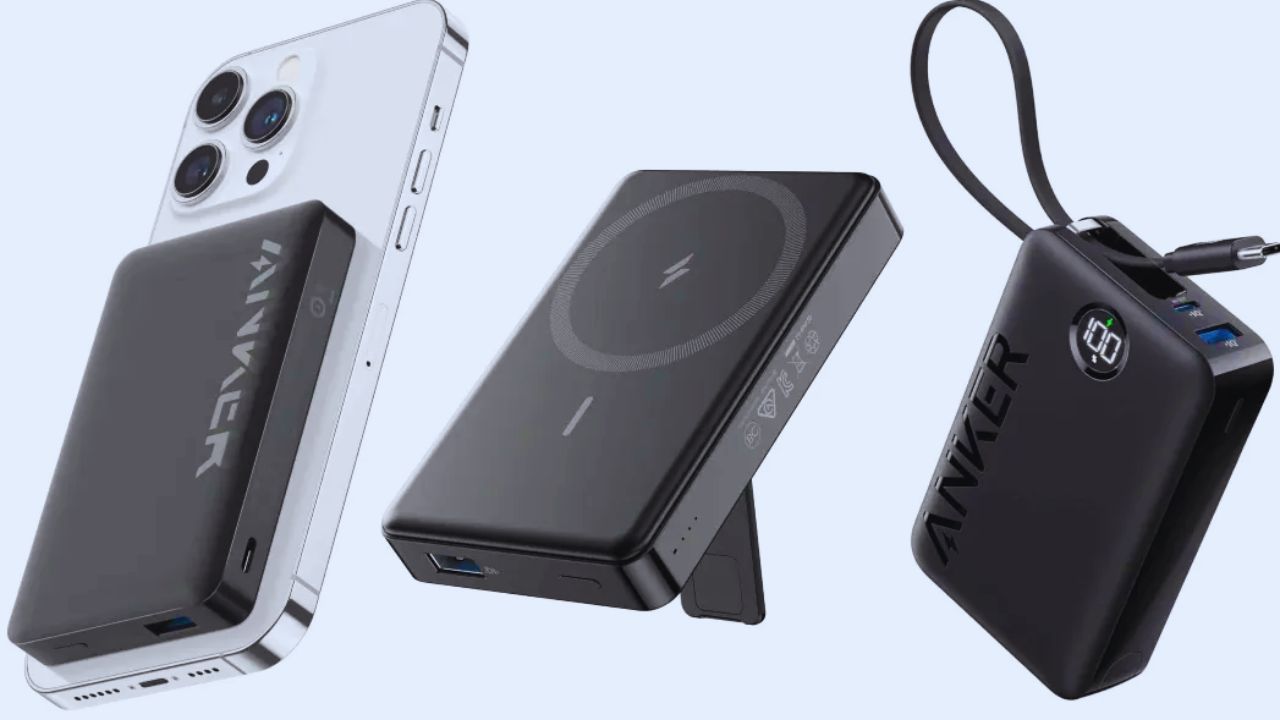
Anker is useful to research when chargers and cables clutter a bag or charge too slowly. A compact charger can suit someone carrying a phone, earbuds, and laptop, but only when its ports and output match those devices.
Treat power equipment as a compatibility purchase, not a race for the biggest number. Start with charging needs and end with safe daily use.
Match the Charger to Your Actual Devices
List the items you charge during a normal week, then check their port type, power needs, and cables. A small charger may be perfect for a phone and earbuds but insufficient for a laptop, especially when both are connected.
A power bank can be convenient but heavy enough to stay home. Compare real charging demand with portable weight before buying.
Include Cables, Sockets, and Travel Rules
The charger is not the whole setup. Check cable quality, plug shape, outlet access, travel voltage rules, and power-bank airline limits.
Keep one reliable cable in the bag and one near the desk instead of several low-cost backups that fail differently. This avoids hidden accessory costs and creates a more reliable travel routine.
Also Read: Top Products Ranked for Home Use
Razer and JBL Need Specific Reasons to Belong
Razer and JBL can fit daily setups, but they work best when the need is clear. A Razer keyboard, mouse, or headset may suit gaming and long editing sessions, while JBL may suit commuting or outdoor breaks.
Neither brand is a shortcut to quality across every product type. Compare comfort and control with the actual task.
Razer Can Be Useful Beyond a Gaming Desk
A well-shaped mouse, responsive keyboard, or comfortable headset can matter for design work, gaming, study, and online meetings.
Extra buttons, bright lighting, and software controls may be unnecessary for someone who only writes documents or joins calls.
Check weight, switch feel, microphone quality, and comfort after an hour. That keeps daily ergonomics ahead of visual extras.
JBL May Fit Simple, Portable Listening
A portable speaker or wireless headphones can work for cooking, commuting, exercise, or backyard gatherings, but fit and sound preferences remain personal.
Check size, water resistance, charging connection, controls, and replacement ear-tip availability. Do not assume deep bass or high volume suits podcasts, meetings, or shared spaces. Focus on listening comfort and travel needs.
Build a Shortlist, Not a Brand Collection
A small comparison is easier to use than a catalog from every familiar name. Choose two or three options that solve the same problem, then check what each asks from you after purchase.
The strongest choice may have fewer features but better compatibility, lower maintenance, or a more sensible price. Keep the decision tied to your budget and daily habits, not the feeling that every category needs an upgrade.
Keep the Final Check Brief
Before paying, use a short checklist that tests ownership instead of marketing. It should cover the details most likely to cause regret and keep the purchase decision focused on real value:
- Does it work with the devices and sockets you already use?
- Will you reach for it often enough to justify the cost?
- Are charging, storage, updates, and replacement parts realistic?
Buy for the Day After the Newness Fades
The most useful tech is rarely the flashiest item in a ranking. It fits the spaces, devices, and routines you already have, then works without surprise costs.
Before choosing, identify one repeated annoyance, compare only products that address it, and read user feedback with official details.
That gives everyday performance more weight than marketing excitement, separating a helpful tool from another unused purchase.