A budget phone can feel inexpensive at checkout yet become costly when it slows down, fills up, or loses support early. A budget smartphone comparison should begin with messages, maps, banking, photos, and videos.
This guide focuses on steady daily use, not a specification that looks impressive in an advert. It shows what to check before paying.
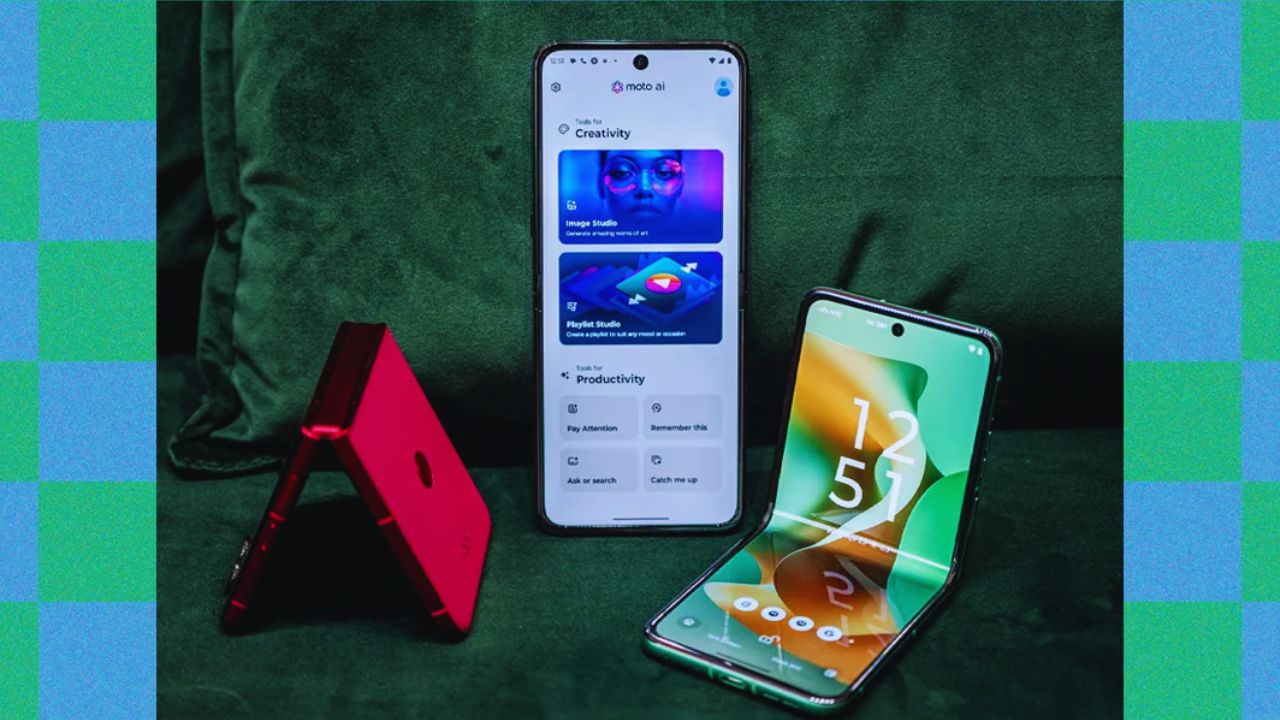
Start With the Jobs Your Phone Must Handle
Do not start with a processor name. Think about paying at a shop, replying to a work message, opening a boarding pass, or switching between maps and music.
These moments reveal the daily pressure points worth comparing. They show whether a phone offers a real routine fit, rather than a long feature list.
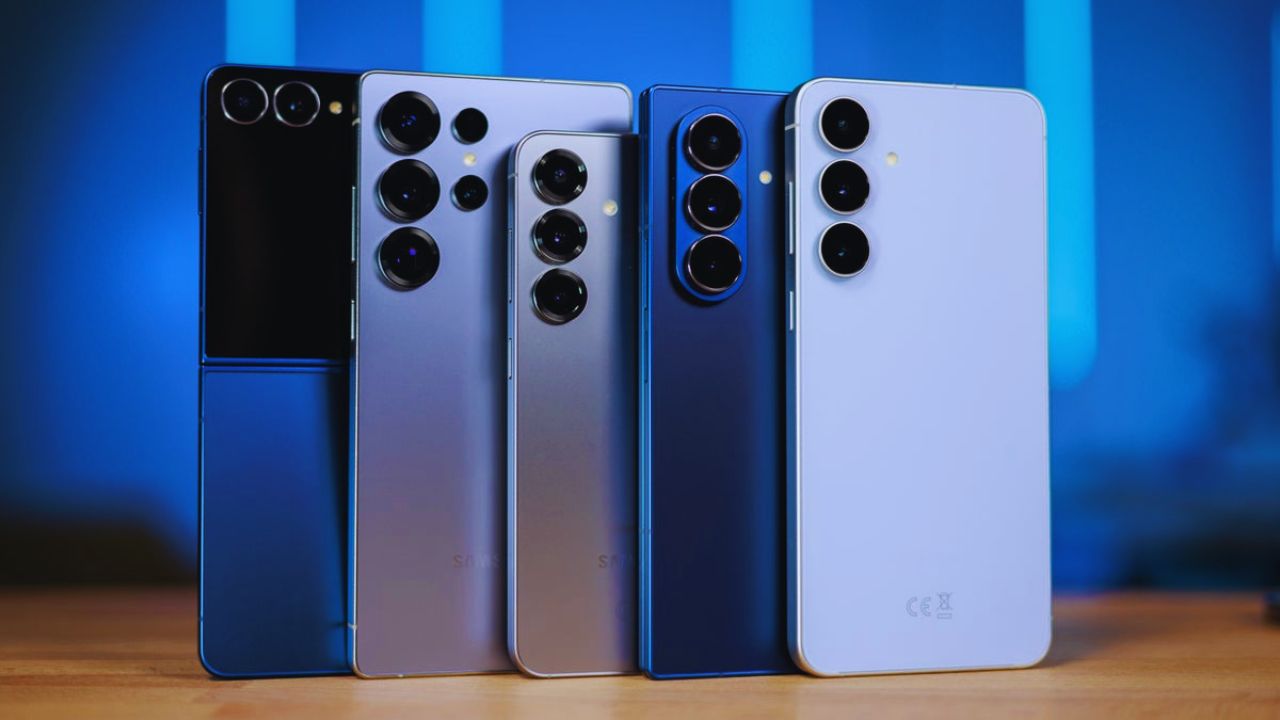
Choose Between a Simple Phone and Extra Headroom
A lighter user who calls, chats, streams, and browses may need a simpler model. Someone who saves photos, uses work tools, keeps many apps open, or plays games generally needs more room and stronger multitasking.
Do not chase the biggest number. Leave enough performance headroom for updates and enough free space for next year’s apps.
Treat the Advertised Price as a Starting Point
The final cost may include tax, delivery, a charger, case, screen protector, or carrier requirement. Storage versions may cost more, while a sale can apply only to a locked device or trade in offer.
Check the model, conditions, and box contents. That protects your actual budget and prevents a misleading bargain from controlling the choice.
Check Smoothness in Your Regular Apps
Budget devices can manage normal tasks well, but they can slow when storage is nearly full or several apps stay open. Think about social media, banking, maps, calls, music, and quick editing.
These are the everyday tasks that expose lag better than a store demo. They reveal whether a device has enough breathing room for busy days.
Storage Can Matter More Than a Small Camera Upgrade
Photos, downloaded shows, messaging backups, offline maps, and system updates compete for space. Little usable storage becomes frustrating.
Check what remains after the operating system and installed apps take their share, not only the figure on the box. For longer ownership, usable storage may matter more than a minor camera upgrade.
Read Battery Claims With Some Skepticism
A large battery helps, but results change with signal, brightness, gaming, navigation, data, and background apps. Read long term reviews describing a normal full day instead of trusting one advertised hour count.
Confirm charging speed, whether a compatible charger is included, and whether your cable works. This creates realistic expectations and avoids surprise costs for charging accessories.
Put Software Life Ahead of Flashy Extras
A phone can have reasonable hardware and still feel old when support ends or unwanted apps take storage. Check the Android version, stated updates for the exact model, and security support where you live.
Do not assume every phone from one brand gets the same schedule. Clear details protect future usefulness and clarify how long it may serve.
Look for a Clean Interface, Not Extra Apps
Some affordable models arrive with duplicate apps, promotional folders, games, or services you will never open. A few can be removed, while others take space, send notifications, or clutter the screen.
Read local user feedback because software varies by retailer, country, or carrier. A cleaner setup supports calmer navigation and preserves available storage.
Also Read: Product Catalog Designed for Easy Comparison
Confirm the Policy Applies to Your Exact Version
A brand may announce broad update promises, but terms vary by model, release date, country, or carrier. Check the official page before choosing an older phone beside a newer discount.
The cheaper option may suit light users, but only when its support matches your plan. This supports safer ownership and reduces an early replacement cycle.
Judge the Camera by the Photos You Need
Megapixel totals do not show whether a phone will capture a usable receipt, pet, child, meal, document, or video call. Consider the images you take most, then find samples made in similar conditions.
Look at text sharpness, motion, and indoor light, not only bright thumbnails. That puts camera usefulness ahead of numbers and keeps photo expectations realistic.
Daylight Results Do Not Guarantee Night Results
Many low cost phones take acceptable daylight images but struggle when subjects move or indoor light is weak. Night modes help still scenes, yet cannot always fix blur.
Check front video, microphone quality, and focus behavior too, especially for calls or social posts. These details affect usable memories more than an extra camera lens.
Use Brands as Reference Points, Not Automatic Winners
Visit Samsung and Motorola to compare phone families, availability, and versions sold locally. Galaxy A and moto g models are useful starting points, but displays, storage, charging, accessories, and support vary by release.
Compare each device, not the logo. That keeps brand examples useful and avoids costly brand assumptions.
Count Costs After Checkout
The phone is only part of the purchase. A case, screen protector, charger, cable, cloud storage, repair, or extended warranty can change what you spend.
Check included accessories, replacement availability, and local repair options. This gives you a more honest total and makes later expenses easier to predict.
Ask About Repair Before an Accident Happens
Before buying, check whether nearby shops can source a screen, battery, charging port, or camera module. A popular phone is often easier to protect and repair than an obscure bargain.
Costs vary, but this research shows what a cracked screen could mean. It strengthens your repair outlook and can prevent an unnecessary replacement after a small accident.
Make a Short Check Before You Pay
Reduce the shortlist to two or three phones, then compare the details that affect ownership. Keep the final check tied to actual needs and an available budget:
- Confirm usable storage, update policy, and charging equipment.
- Compare camera samples, screen visibility, and hand comfort.
- Check warranty terms, repair options, and accessory prices.
Let Your Routine Decide
The right budget phone does not need to win every category. It should run normal apps, last through your day, take usable photos, and remain supported long enough to justify the price.
Before paying, confirm the model number, storage, network compatibility, delivery terms, and return policy. Choosing around everyday habits rather than hype gives you a stronger chance of steady value after the newness disappears.