A product that feels effortless during unboxing can turn into a daily annoyance within a month. That gap between first impression and long-term ease is where bad purchases hide.
Ranking easy-to-use products based on setup alone misses the point. The products worth keeping are the ones that stay simple after the novelty fades and the routine sets in.
This ranking scores six products on something buying guides rarely measure: the maintenance burden after week one. Every pick covers setup, daily friction, and the small upkeep tasks that determine whether you keep using it or shove it in a drawer.
I would skip any product list that only tests ease of use on day one, because the Roku Streaming Stick 4K taught me something specific about that gap.
The Maintenance Burden Nobody Ranks
Buying guides love the phrase “low learning curve.” And sure, that matters when you first open the box. But a learning curve only measures the first 20 minutes. What about the next 20 weeks?
The real question for any easy to use product is this: does it create new chores? A charger that needs a specific cable orientation.
A toothbrush that collects grime in hard-to-reach grooves. A planner that requires a “system” to stay useful. These tiny friction points stack up, and they are the reason people stop using products they once loved.
The 30-Day Test for Ease of Use
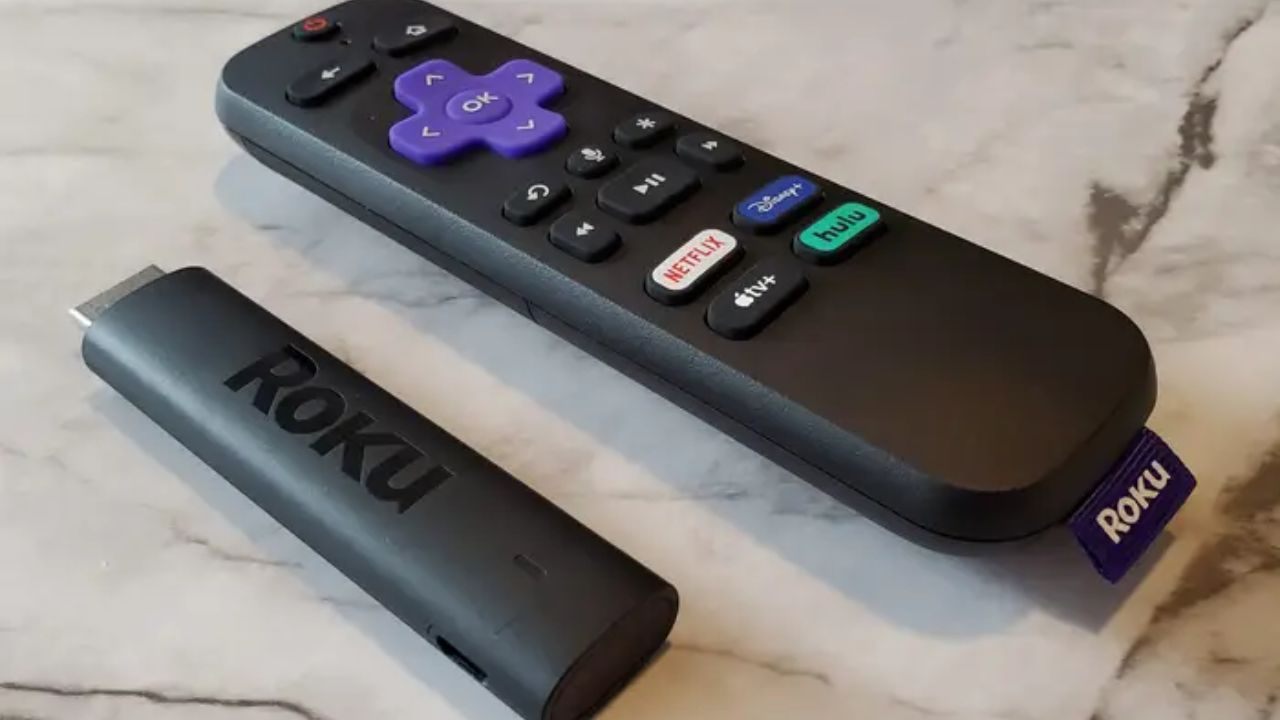
I think ease of use should be measured at 30 days, not at unboxing, because every product on Roku’s own lineup page felt simple when I plugged it in. The difference showed up a month later when some devices stayed clean and others turned into menu mazes.
A useful test breaks down into three parts:
- Setup speed: Can you start using it within 10 minutes without a manual or tutorial video?
- Daily decisions: Does the product require choices every time you pick it up, or does it default to the right action?
- Upkeep load: How often do you need to clean, charge, replace, update, or reorganize something to keep it working well?
Also Read: Top Products Ranked For Real Life Conditions: What To Buy When Daily Use Is The Real Test
That third bullet is where most “easy” products quietly fail. And it shaped how every product below got ranked.
Roku Streaming Stick 4K: Streaming That Stays Clean
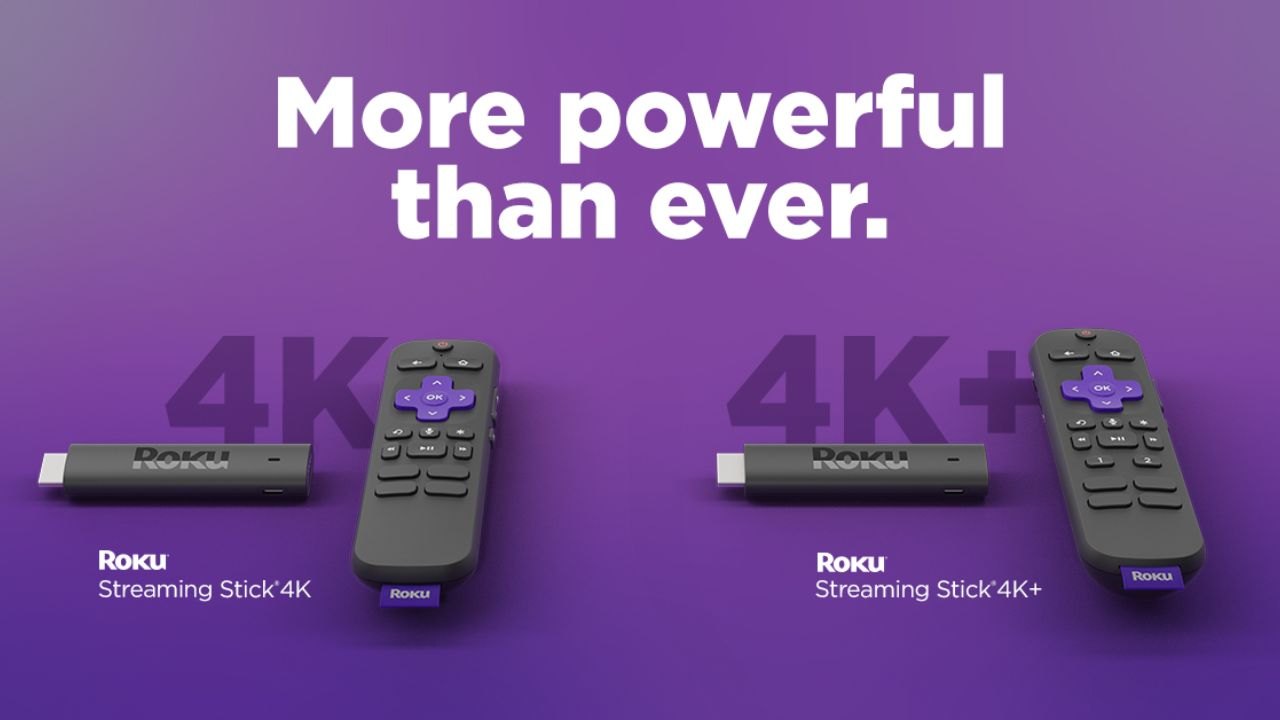
The Roku Streaming Stick 4K earns the top spot because of what happens after setup, not during it. Plug it into an HDMI port, connect to WiFi, and you are watching something within five minutes. That part is standard.
Why the Home Screen Matters More Than the Remote
The remote has few buttons and no confusing shortcuts. That gets attention in every review. But the home screen design is the real ease-of-use feature that keeps the Roku useful over months.
Roku lets you delete and reorder apps on the main screen. This sounds minor until you compare it to smart TV interfaces that auto-populate tiles based on advertising deals. A clean home screen means less scrolling and less decision fatigue when you sit down at night.
The trap is adding every free streaming app during that excited first week. Keep 4 or 5 services on the screen. Sort them by how often you watch. The Roku stays easy when you resist the urge to clutter it.
Long-Term Habits That Prevent Frustration
Update the software when prompted. Roku pushes updates that fix lag and streaming bugs, and skipping them makes the stick feel slower over time. Keep one WiFi network name saved and store that password somewhere accessible.
If multiple people share the TV, agree on an app layout. Rearranging the home screen every few days kills the simplicity that made the Roku worth buying.
Oral-B Pro 1000: One Button, No Decisions
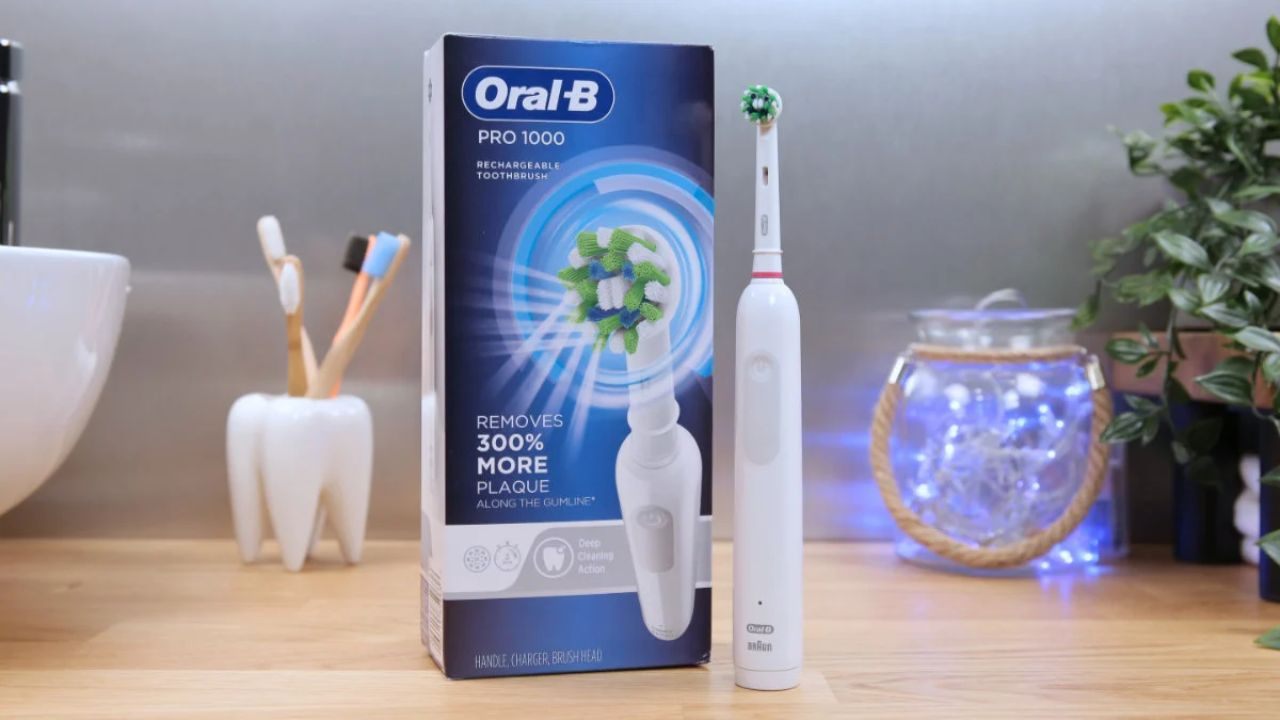
The Oral-B Pro 1000 has a single cleaning mode and a power button. That is the entire interface. No Bluetooth app, no pressure-sensor lights, no multiple speed settings to second-guess every morning.
The Case Against Multi-Mode Toothbrushes
Electric toothbrush brands love adding modes: sensitive, deep clean, whitening, gum care. I think multi-mode electric toothbrushes are a worse purchase than the single-mode Oral-B Pro 1000 because the Oral-B’s one mode already covers standard cleaning, and extra modes just create daily hesitation.
A toothbrush should be the least interesting part of your morning.
The maintenance burden is low too. Swap the brush head every three months. Rinse it after each use and let it air dry upright. The charger stays in one spot permanently. No app to sync, no firmware to update, no decision to make at 6 AM.
Conair Fabric Shaver: Instant Payoff, Minimal Upkeep
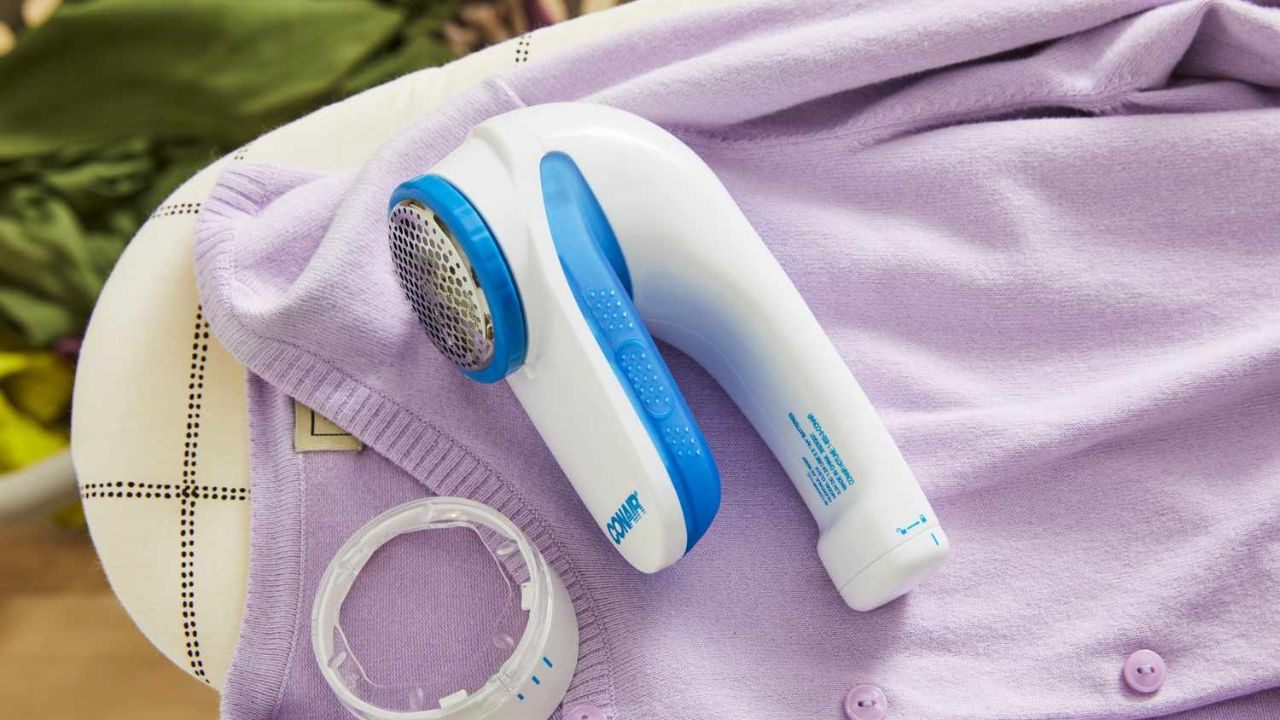
Some products earn a spot on the easy to use list because the result appears in seconds. The Conair Fabric Shaver removes pilling and fuzz from sweaters, blankets, and couch fabric with a single pass.
How to Avoid the One Mistake That Ruins It
Turn it on. Glide it across the fabric with light pressure. Empty the lint chamber. That is the entire process, no technique required beyond patience and gentle contact.
The one common mistake: pressing too hard on delicate knits. Aggressive pressure can snag or thin out fabric.
Light passes, repeated two or three times over the same area, remove pilling without damaging the weave. Store it near your laundry area so it becomes part of regular clothing maintenance instead of a tool you forget about.
Empty the lint chamber before it packs tight. A clogged chamber reduces suction and makes the shaver feel like it stopped working. Two seconds of emptying after each use keeps performance steady for months.
UGREEN Nexode 65W GaN Charger: One Brick for Everything
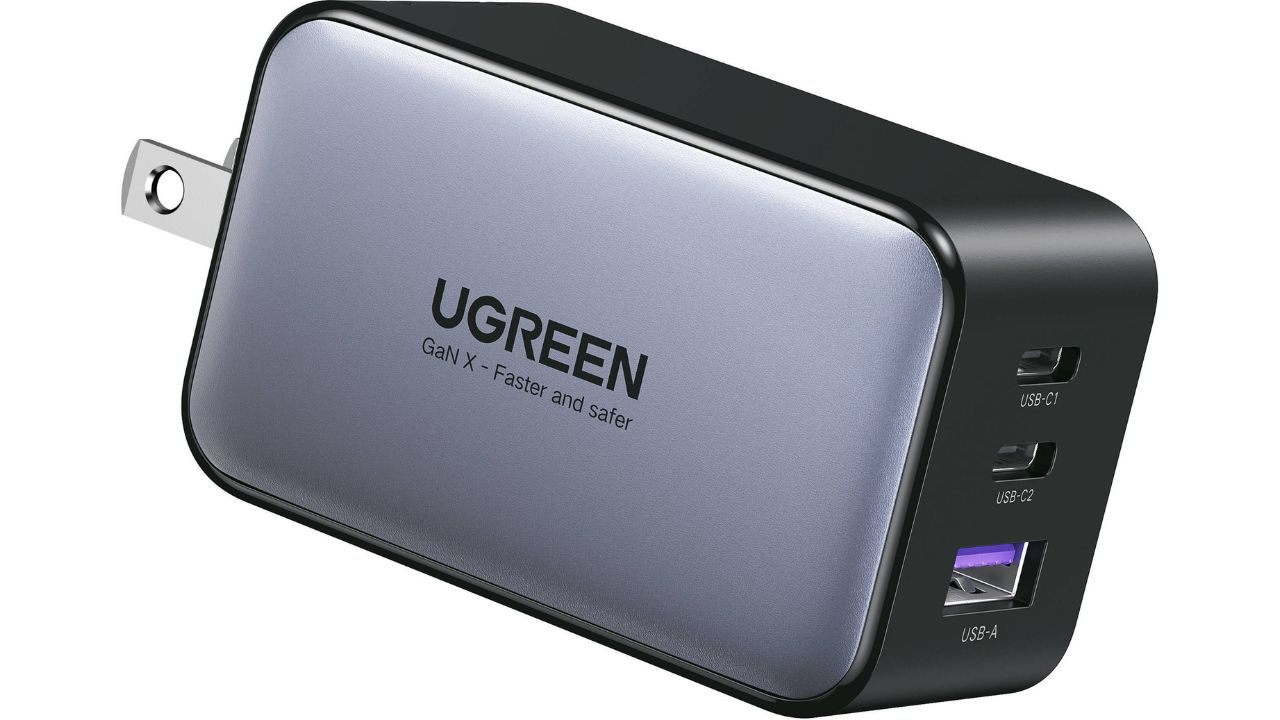
The UGREEN Nexode 65W GaN charger replaces multiple charging bricks with a single compact adapter. It handles laptops, phones, and tablets through USB-C, which means fewer cables and fewer outlets occupied.
Cable Pairing Is the Hidden Ease-of-Use Factor
The charger itself is plug-and-play. But a 65W GaN charger only stays simple if you pair it with the right cables. A cheap USB-C cable rated for 15W will bottleneck the charging speed and make you think the charger is broken.
A few cable habits that prevent frustration:
- Dedicate one cable to your main device and label it if you share a workspace
- Avoid bending the USB-C port by positioning the charger where cables hang straight
- Pack one backup cable for travel so a lost cord does not strand you with a dead laptop
The charger is simple. The cable management around it determines whether it stays that way.
OttLite LED Desk Lamp: Comfort That Needs No Adjustment
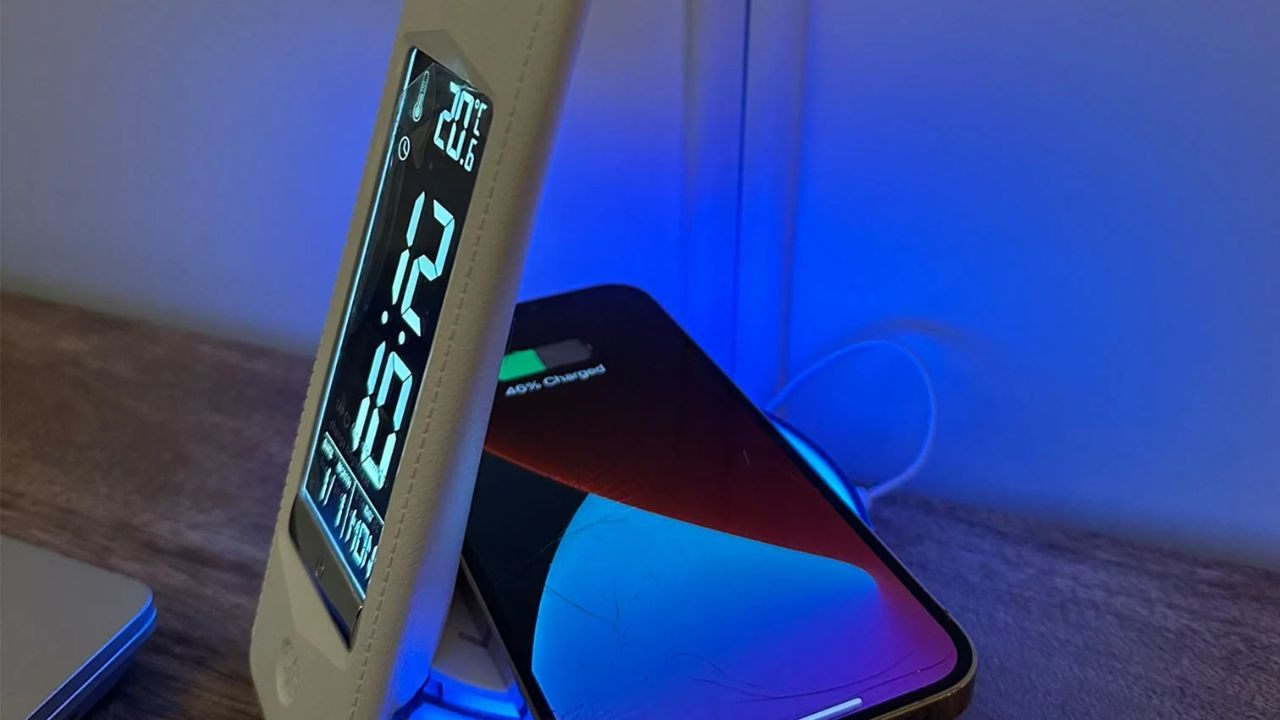
The OttLite LED Desk Lamp earns a spot here because the benefit hits immediately. Position it once, and the difference in eye comfort becomes obvious within minutes of reading or screen work.
Placement Rules That Prevent Glare
Set the lamp to the side of your writing hand so it does not cast a shadow across what you are working on. Aim the light at the desk surface, not at the screen or your eyes. Keep cords managed and tucked behind the desk so the lamp base stays stable.
A good desk lamp should disappear into your routine. Once the angle is right, you stop adjusting it. That is what separates the OttLite from lamps with dozens of brightness and color temperature settings that demand constant fiddling.
Moleskine Weekly Planner: The Analog Exception
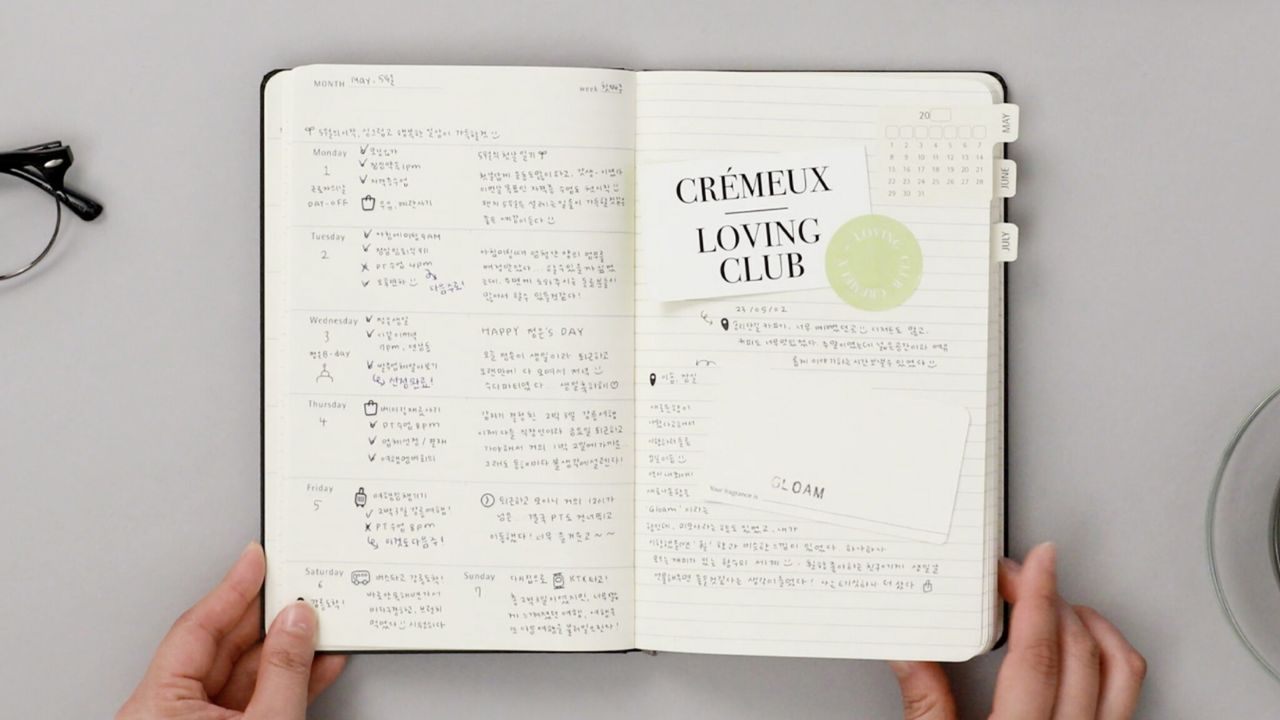
The Moleskine Weekly Planner is the only non-electronic product on this list, and it carries a different kind of simplicity. Open the page, write the task, see the week. No notifications, no syncing, no battery.
Does Analog Planning Still Make Sense in 2026?
The weekly layout works because it maps tasks to real days instead of a running to-do list that never ends.
But I would not recommend the Moleskine over a phone calendar for someone who already keeps their schedule digitally, because adding a second system creates more friction than it removes.
The Moleskine fits a specific user: someone who thinks better on paper and wants a single place for weekly priorities. If that does not describe you, this pick may be the one to skip.
Side-by-Side: How These 6 Products Compare on Ease of Use
| Product | Setup Time | Daily Decisions | Maintenance Burden | Best For |
|---|---|---|---|---|
| Roku Streaming Stick 4K | Under 5 min | Low (if home screen is clean) | Software updates only | Shared household TVs |
| Oral-B Pro 1000 | Instant | Zero (one mode) | Head swap every 3 months | Morning-routine simplicity |
| Conair Fabric Shaver | Instant | Zero | Empty lint chamber each use | Clothing and fabric upkeep |
| UGREEN Nexode 65W | Plug in | Zero | Cable management | Multi-device charging |
| OttLite LED Desk Lamp | One-time placement | Zero after setup | None | Reading and desk work |
| Moleskine Weekly Planner | Open and write | Low | None | Paper-first planners |
The Oral-B Pro 1000 and the Conair Fabric Shaver score highest on true zero-decision daily use.
Questions People Ask About Easy to Use Products
Q: What makes a product easy to use long term? Low maintenance burden matters more than simple setup. A product that needs cleaning, syncing, or reorganizing every week will feel annoying by month two, even if the first day was effortless. Look at the upkeep steps before the feature list.
Q: Is the Roku Streaming Stick 4K good for older adults? The limited-button remote and clean home screen layout make it a strong pick for anyone who finds smart TV menus confusing. The biggest help is keeping the app count low so the main screen stays uncluttered and predictable.
Q: Are GaN chargers safe for all devices? GaN chargers like the UGREEN Nexode 65W auto-negotiate power delivery, so they send the correct wattage to each device. The risk comes from using low-quality cables, not the charger itself. Stick with cables rated for your device’s charging spec.
Q: Do electric toothbrushes with more modes clean better? A single-mode brush like the Oral-B Pro 1000 covers standard cleaning needs. Extra modes exist to justify higher price points, and most users never switch off the default setting anyway. One good mode used consistently beats five modes used randomly.
Q: Is a paper planner easier than a digital calendar? It depends entirely on whether you think better on paper or on screens. A paper planner adds a physical step that digital calendars skip, so it only counts as “easier” if writing by hand helps you process your schedule more clearly.
Conclusion
Ease of use is a 30-day measurement, and the products that survive that test earn permanent spots in daily routines. Simple setup attracts buyers, but low maintenance burden is what keeps products out of the junk drawer.
These six picks stay functional because they remove daily decisions instead of adding them. Start with the product that solves your most annoying daily friction point and build from there.