A catalog helps when it matches a laptop to your week.
Organized Laptop Catalog is not a race for the newest chip or thin case; it sorts laptops by real workdays, budget and ownership. It makes a practical shortlist.
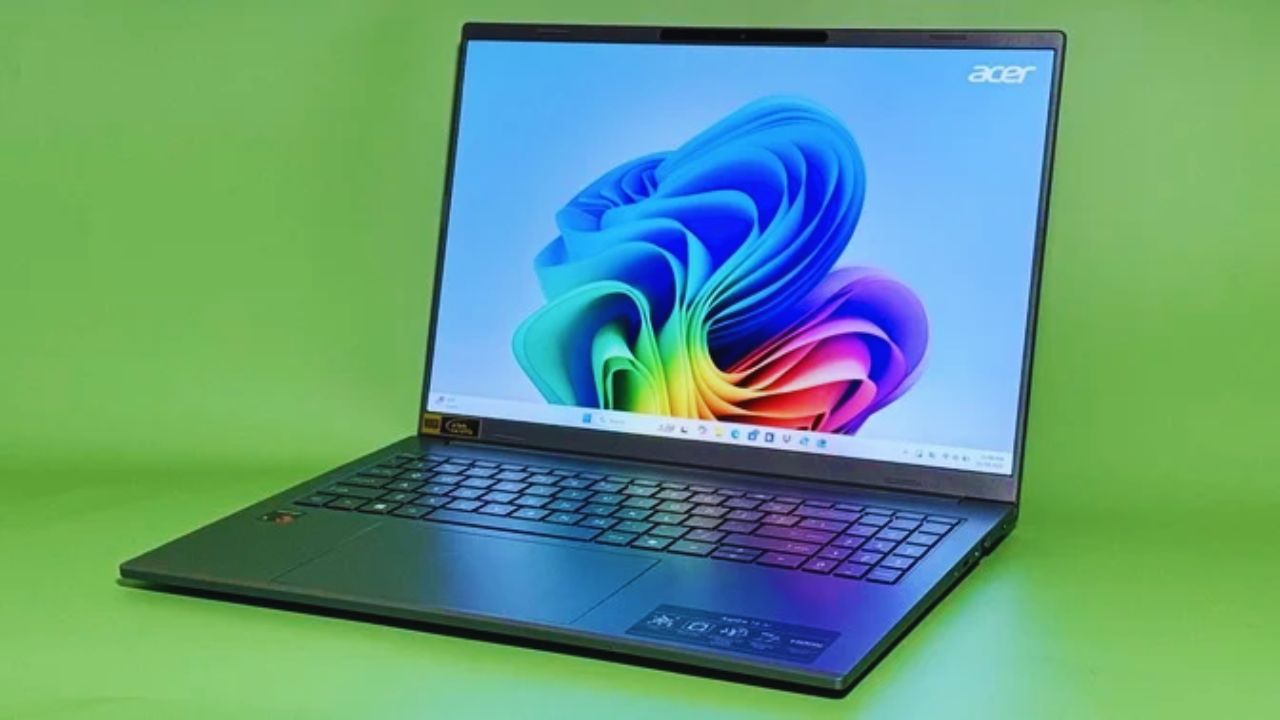
Begin With the Workload Before Reading Specifications
A processor name tells little until you know what runs beside it. A light computer may handle documents, video meetings, research, and streaming, then struggle with local databases, editing software, or virtual machines.
Name the hardest repeated task in your week and the time away from power. Those details eliminate poor fits before comparisons become complicated.
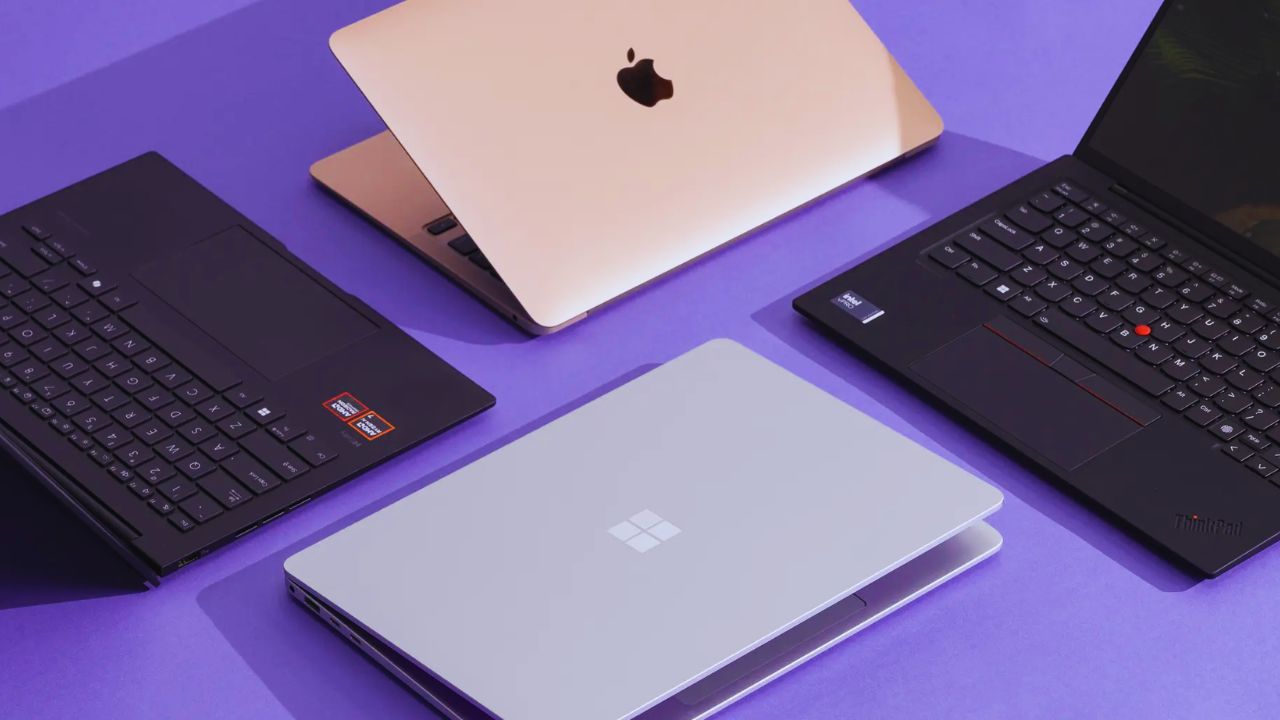
Study, Browsing, and Remote Work Need Calm Consistency
School and office work benefit from memory for browser tabs, reliable calls, a comfortable keyboard, and storage that does not fill immediately.
A bright screen matters beside a window, while a webcam matters in frequent meetings.
Seek everyday responsiveness before graphics power, and note charger size when the laptop travels between home, campus, or work.
Development and Data Work Need Breathing Room
Programming becomes demanding when local servers, containers, emulators, databases, and test suites run together.
A developer using several tools may need more memory and storage than someone writing browser-based code.
Prioritise working memory because it affects multitasking more than a small processor upgrade. Fast storage also shortens routine waits when projects install dependencies or rebuild files.
Video, 3D, and Game Projects Change the Requirements
Editing high-resolution footage, rendering scenes, training local models, and building games can keep a CPU and graphics processor busy for hours. Cooling, graphics memory, power limits, and the charger matter as much as the display.
A laptop quick for five minutes may slow when heat builds. Compare sustained performance with portable weight, because power can become inconvenient when it travels daily.
Four Laptop Lanes Make a Long Catalog Easier
Rather than placing every model in one winner’s list, sort choices into lanes based on the work they support. That keeps a travel computer from competing unfairly with a graphics-heavy workstation.
It makes trade-offs visible: quiet fanless designs may sacrifice ports, while strong GPUs add heat and weight. Use workload fit as the main filter and treat brand familiarity as secondary.
Lightweight Machines Suit Travel-Heavy Routines
A MacBook Air may suit people who value quiet use, long unplugged sessions, and easy handoff between Apple devices.
Apple’s current lineup starts with 16GB unified memory and 512GB storage, a stronger base than many older thin laptops.
Confirm ports, storage ceiling, and needed software. Its strength is portable simplicity, not a replacement for every graphics-heavy workload.
Repairable Models Can Stretch a Sensible Budget
A Framework Laptop 13 deserves a different conversation because upgrades and repairs are central to its design.
Framework’s current AMD Ryzen AI 300 version supports configurable expansion cards and replacement parts, which may appeal to people planning longer ownership.
Availability, assembly preference, and local support still matter. Consider repairable design when future changes matter more than the lowest price today.
Compact Performance Laptops Need Thermal Honesty
Models such as the ASUS ROG Zephyrus G14 can appeal to people needing graphics power for games, editing, or design work without a full desktop replacement.
Read reviews showing rendering, gaming, or compiling after thirty minutes, not only short benchmarks. Check fan noise, surface warmth, adapter size, and memory upgrades. Balance heavy-work capability with real travel tolerance, not one impressive score.
The Specifications That Shape Ownership
Some numbers become important only after months of use. Memory determines whether apps stay open, storage affects how often you delete files, and display quality changes how your eyes feel after a long day.
Treat them as daily experience factors, not background specifications. Avoid laptops that look competitive online but become restrictive when workloads grow.
Memory and Storage Need Room to Grow
For browsing, documents, and casual tasks, a modest configuration may be enough. Editing, programming, data work, or multitasking with meetings and many tabs can require more room.
Check whether memory is fixed or upgradeable and whether a second storage slot exists.
The safest choice is adequate headroom over the cheapest setup. It reduces early replacement pressure when projects and files become demanding.
Also Read: Kitchen Appliance Catalog for Smart Planning: Ovens, Hobs, Range Hoods
Screens, Keyboards, and Ports Affect Every Hour
A high-resolution OLED panel may look excellent, but check glare, brightness, text clarity, battery impact, and comfort at your usual scale.
A keyboard needs enough travel and a familiar layout, while ports should match your monitor, storage, headphones, and charger.
These details shape long-session comfort more than launch graphics. They prevent adapter dependence from becoming a daily irritation.
Cooling and Charger Weight Are Part of Performance
Strong components need cooling to maintain speed. Thin creator and gaming machines can be capable, yet fan noise, surface temperatures, and battery life change under sustained work.
Check reviews testing prolonged loads, then consider the charger you carry. A system that runs well only beside an outlet may not suit a mobile schedule. Match thermal behaviour with your work location, rather than assuming thinness and power coexist easily.
Price Tiers Change by Region, but Ownership Costs Remain
A sale can make a premium laptop look reasonable, while tax, currency shifts, memory upgrades, delivery, and warranty coverage change the total. Separate the computer price from docks, cases, external storage, software, and repairs.
This makes regional pricing easier to judge and stops a temporary discount from deciding the whole purchase. Higher cost may be fair when it includes useful memory, storage, or support.
A Short Day-One Check Protects the Return Window
Use the first days to test the tasks that drove the purchase. Confirm screen comfort, keyboard feel, webcam, ports, charging, battery drain, and performance during real applications.
This keeps return-period testing focused and turns early ownership into evidence:
- Run your usual work, study, editing, or game workflow.
- Test battery, heat, charging, display, and required accessories.
- Confirm updates, warranty registration, and local repair options.
Choose the Laptop That Supports the Next Routine
The right laptop may not have the most striking display, largest graphics chip, or highest place in a catalog. It should handle recurring tasks, fit your travel pattern, and leave room for realistic change.
Let workload evidence lead, then verify the exact configuration before paying. That turns a page of models into a sensible, durable choice.