
That $10 gap between the Fire TV Stick 4K and Roku Streaming Stick keeps tripping people up. Specs alone won’t settle this one.
Both streaming sticks sit under $50 and plug into the same HDMI port. But the daily experience of living with each stick feels completely different.
The Roku Streaming Stick 4K vs Fire TV Stick 4K debate usually lands on format support and voice control. Those matter. So does the stuff comparison charts leave out.
Picking between these two comes down to how your living room is already wired: what TV you own, what phone you carry, and what router sits in the corner.
Roku Streaming Stick 4K vs Fire TV Stick 4K Specs Compared
A table clears the fog faster than paragraphs when two products sit this close in price. The differences that matter break along format support, wireless performance, and casting rather than raw processing power.
| Feature | Fire TV Stick 4K | Roku Streaming Stick Plus |
|---|---|---|
| MSRP | ~$49.99 (frequent discounts) | ~$39.99 |
| HDR Formats | Dolby Vision, HDR10, HDR10+ | HDR10, HDR10+ (no Dolby Vision) |
| Audio | Dolby Atmos support | No Dolby Atmos |
| Casting | Miracast (no AirPlay) | Apple AirPlay and Miracast |
| Wi-Fi | Wi-Fi 6 | Wi-Fi 5 |
| Voice Assistant | Amazon Alexa | Roku Voice Search |
| Power | Wall adapter included | Runs off TV USB (~2.6W) |
The Fire TV Stick 4K wins on format depth and wireless speed, while Roku takes casting and out-of-box simplicity.
Fire TV Stick 4K Sale Prices Change the Math
Amazon discounts the Fire TV Stick 4K during Prime Day, Black Friday, and random flash sales throughout the year. Those drops regularly push the price to $24.99 or lower, which erases the $10 MSRP gap entirely and then some.
Roku’s Streaming Stick pricing stays steadier. That predictability helps if buying right now matters more than waiting for a deal. But anyone willing to set a price alert on Amazon can land the Fire TV hardware at Roku’s everyday price or cheaper within a few weeks of patience.
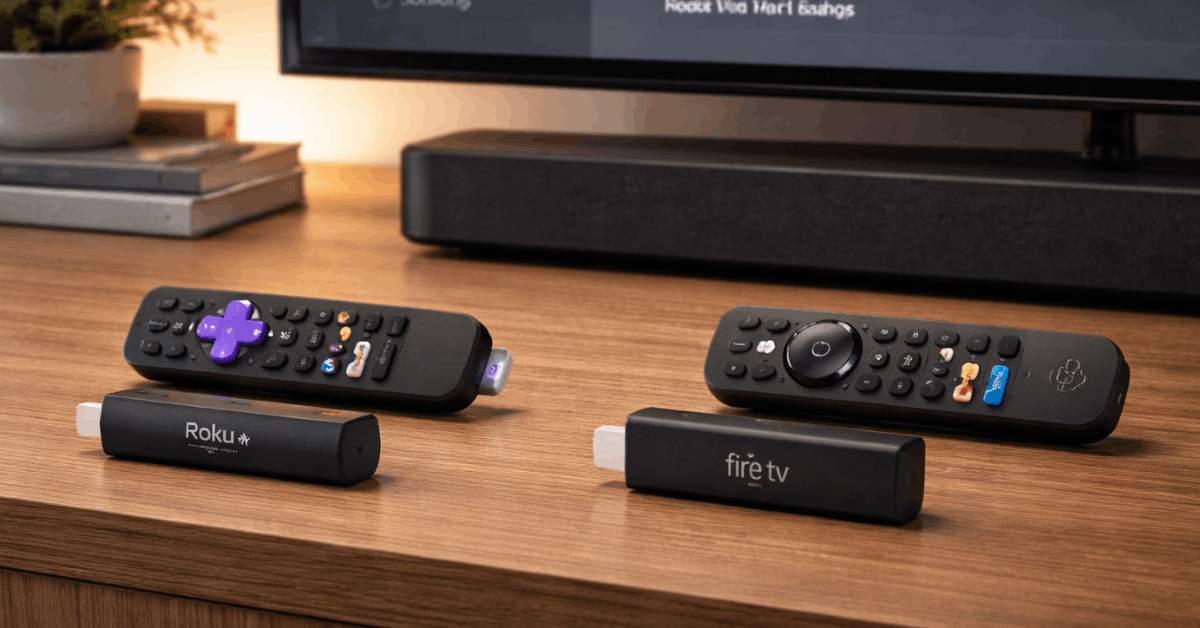
I think the $49.99 MSRP on the Fire TV Stick 4K misleads more buyers than any other spec on the box, because the stick spends roughly half the calendar year selling for $29.99 or less during 2025 and 2026 sale events.
Dolby Vision and Dolby Atmos on Fire TV Stick 4K
Format support is where these two sticks stop looking like siblings. The gap between them lands squarely on Dolby’s premium formats, and it changes the picture (literally) for anyone who spent extra on a TV that supports them.
Does Dolby Vision on Fire TV Stick 4K Matter for Your TV
Dolby Vision adjusts HDR metadata scene by scene, which means darker sequences in a thriller or bright outdoor shots in a nature doc look more consistent compared to static HDR10. Fire TV Stick 4K supports Dolby Vision in apps like Netflix, Disney+, and Apple TV+. Roku’s stick does not.
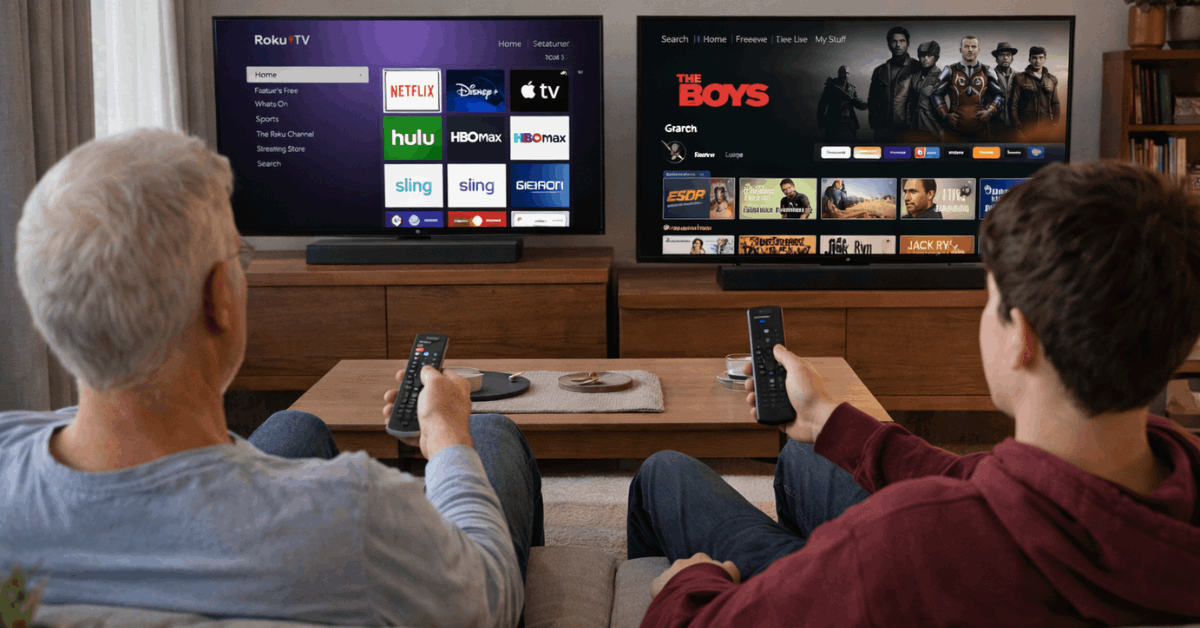
Does this matter if your TV cost $300? Probably not. Cheaper panels often lack Dolby Vision processing entirely.
But if you bought a midrange or premium set from LG, Sony, TCL, or Hisense in the last two years, that TV almost certainly supports Dolby Vision and will produce better tone mapping with the Fire TV stick feeding it the right signal.
Dolby Atmos follows the same split. Fire TV passes Atmos audio to compatible soundbars and AV receivers. Roku’s stick tops out at standard surround. Households running a soundbar with upward-firing speakers or a full Atmos receiver lose a format they paid for if they pick the Roku stick.
AirPlay, Casting, and the Streaming App Gap
Casting and app libraries seem identical until you check the edges. The big streaming services: Netflix, Disney+, Prime Video, Apple TV+, Paramount+, Peacock, YouTube, Crunchyroll all run on both platforms without issues. The split shows up around casting protocols and niche apps.
Apple AirPlay on Roku vs Fire TV Casting Options
Apple AirPlay works on Roku. That single sentence decides this category for a lot of households. Anyone with an iPhone, iPad, or MacBook can toss video, music, or a screen mirror to the Roku stick without installing anything extra. Fire TV does not support AirPlay at all.
Fire TV supports Miracast for screen mirroring from Windows PCs and some Android phones (not Pixel devices). Roku also supports Miracast. So the casting overlap exists on the Android and Windows side, but Apple users get locked out on Fire TV.
One thing neither stick does: Google Cast. Anyone who built their casting habits around Chromecast will find both sticks frustrating. A Chromecast with Google TV or a different device entirely may be worth considering if Cast is non-negotiable.
Twitch and Live Streaming Apps
Fire TV runs Twitch as a first-party app built for the platform. Search works, chat loads, and streams stay connected reliably. Roku’s Twitch situation is messier. Third-party clients exist in the Roku store, but they break after updates, lose features, and disappear without warning.
Anyone who watches Twitch on a TV screen more than once a week should factor this in heavily. The difference between a maintained first-party app and a scraped-together third-party client is the difference between sitting down and streaming versus troubleshooting for ten minutes before giving up.
Alexa on Fire TV Stick vs Roku Voice Search
Voice control splits into two very different categories here. Amazon Alexa on Fire TV is a full smart home assistant. It controls lights, locks, thermostats, and cameras. It sets timers, answers questions, and runs Alexa routines that trigger multiple devices at once.
Roku Voice Search finds shows, launches apps, and handles basic playback commands. It does those things well. But it stops there. No smart home control, no multi-step routines, no general Q&A.
Households already running Echo speakers or Alexa-compatible smart devices get a natural extension point with the Fire TV stick.
The remote becomes another Alexa access point without adding hardware. Roku’s voice setup stays contained inside the streaming experience, which can be a plus for anyone who just wants the remote to find shows and nothing more.
Wi-Fi 6 on Fire TV Stick 4K vs Wi-Fi 5 on Roku
The wireless spec difference between these sticks gets ignored in almost every comparison I’ve read, and I think that’s a mistake. Wi-Fi 6 on the Fire TV Stick 4K handles congestion better than Wi-Fi 5 on the Roku stick when multiple devices share the same network.
A household running a Wi-Fi 6 router (and most routers sold since 2022 support it) will see better throughput consistency on the Fire TV stick during peak hours.
That means fewer buffering hiccups at 8 PM when the kids are gaming, someone is on a video call, and the living room TV is pulling a 4K HDR stream.
Wi-Fi 5 on the Roku stick still handles 4K streaming fine at short range with low network load. Nobody needs to panic about it.
But apartments with thin walls and neighbors competing for the same channels, or homes where the router sits two rooms away, will notice the Fire TV stick holding its stream more steadily.
I think the common advice to “just buy the cheaper Roku if all you do is stream” misses this point entirely, because Wi-Fi 6 at $29.99 sale price removes the reason to settle for Wi-Fi 5. Buffering during a climactic scene ruins an evening faster than a slightly busier home screen ever could.
Also Read: Product Comparison Based on Price and Quality
Power Draw and Running Off a TV USB Port
Roku’s stick draws about 2.6 watts and runs happily off a TV’s USB port. One cable, no wall adapter, clean setup. Fire TV ships with a dedicated wall adapter and expects it.
Many TV USB ports cannot supply enough steady current for the Fire TV stick under load, which causes random reboots during long streaming sessions.
This is a genuine convenience gap. Roku’s low power draw means one fewer cable behind the TV and one fewer occupied wall outlet.
Fire TV’s adapter means guaranteed stability but a messier setup. Buyers who mount their TV on a wall with limited outlet access should weigh this more than most comparison articles suggest.
Which Streaming Stick Fits Which Buyer
The right pick changes based on what already sits in the living room. A quick profile breakdown helps match gear to the stick that complements it:
- Dolby Vision TV + Atmos soundbar: Fire TV Stick 4K is the pick, since Roku skips both Dolby formats entirely
- iPhone or MacBook household: Roku Streaming Stick wins on AirPlay casting alone, a feature Fire TV simply lacks
- Alexa smart home setup: Fire TV extends existing Echo and Alexa routines to the TV remote without extra devices
- Simple streaming, no smart home interest: Roku’s clean grid interface and TV USB power draw keep things minimal
- Sale-conscious buyer: Fire TV drops below $25 multiple times per year during Amazon sales, often beating Roku’s everyday MSRP
The pattern that emerges: Fire TV Stick 4K fits format-focused and smart-home-heavy households, while Roku fits simplicity-first and Apple-device households. Neither stick is a bad purchase at these prices.
Questions People Ask About Roku Streaming Stick 4K vs Fire TV Stick 4K
Q: Can the Roku Streaming Stick do Dolby Vision? No. The Roku Streaming Stick Plus supports HDR10 and HDR10+ but skips Dolby Vision. Pairing it with a Dolby Vision TV means the TV never gets that metadata. The Fire TV Stick 4K is the sub-$50 option that supports Dolby Vision in compatible apps.
Q: Does Fire TV Stick 4K support Apple AirPlay? It does not. AirPlay is available on Roku devices but absent from Fire TV hardware. Android and Windows users can use Miracast on either stick, but Apple casting only works on the Roku side.
Q: Is Wi-Fi 6 on the Fire TV Stick 4K worth it? It depends on the router and how many devices share the network. Households with a Wi-Fi 6 router and heavy network traffic during evening hours will see smoother 4K playback on the Fire TV stick. Solo streamers on a quiet network may not notice any difference.
Q: Can I power the Fire TV Stick 4K from my TV’s USB port? Amazon recommends using the included wall adapter. Some TV USB ports can supply enough current, but many cannot maintain stable power during extended 4K HDR streaming. Random reboots during a movie are the typical symptom of underpowered USB setups.
Q: Which stick is better for a bedroom TV? Roku’s lower power draw and cleaner interface make it a strong bedroom pick, especially if you just want to open an app and fall asleep to a show. Fire TV earns the bedroom spot if Alexa alarms, smart light control, or Dolby Vision on a nicer panel matter to you. Check the Amazon Fire TV Stick 4K product page and the Roku Streaming Stick product page for current pricing before deciding.
Conclusion
The Roku Streaming Stick 4K vs Fire TV Stick 4K debate ends when living room priorities get specific. Format support, casting needs, smart home investment, and Wi-Fi performance narrow the field to one clear pick per household.
Neither stick wastes money at current prices, though sale timing can shift the math. The real question is which set of trade-offs bothers you less on a Tuesday night.